Better GPS update handling
Old or duplicate location updates are rejected to preserve the order of training data.
Built for dragon boat
Keep GPS routes, distance, speed, training video, session history and crew lineups together, from planning the boat to reviewing your session. Free to use, with no account required.
For iPhone · iOS 17 or later
This update focuses on more reliable training records and file handling: improved GPS updates, recording retries after a start timeout, Photos save confirmation and ZIP backup imports. Clearer English and Traditional Chinese messages help you understand what happened and what to do next.
Old or duplicate location updates are rejected to preserve the order of training data.
Improved recovery and retries, with guidance when a previous save cannot be confirmed.
Improved training-data ZIP size, structure and cancellation checks, with clearer error messages.
Features
Start from one home screen. Review afterwards in Records. Plan the boat in Teams. Four colour themes, in English or Traditional Chinese.
Screens
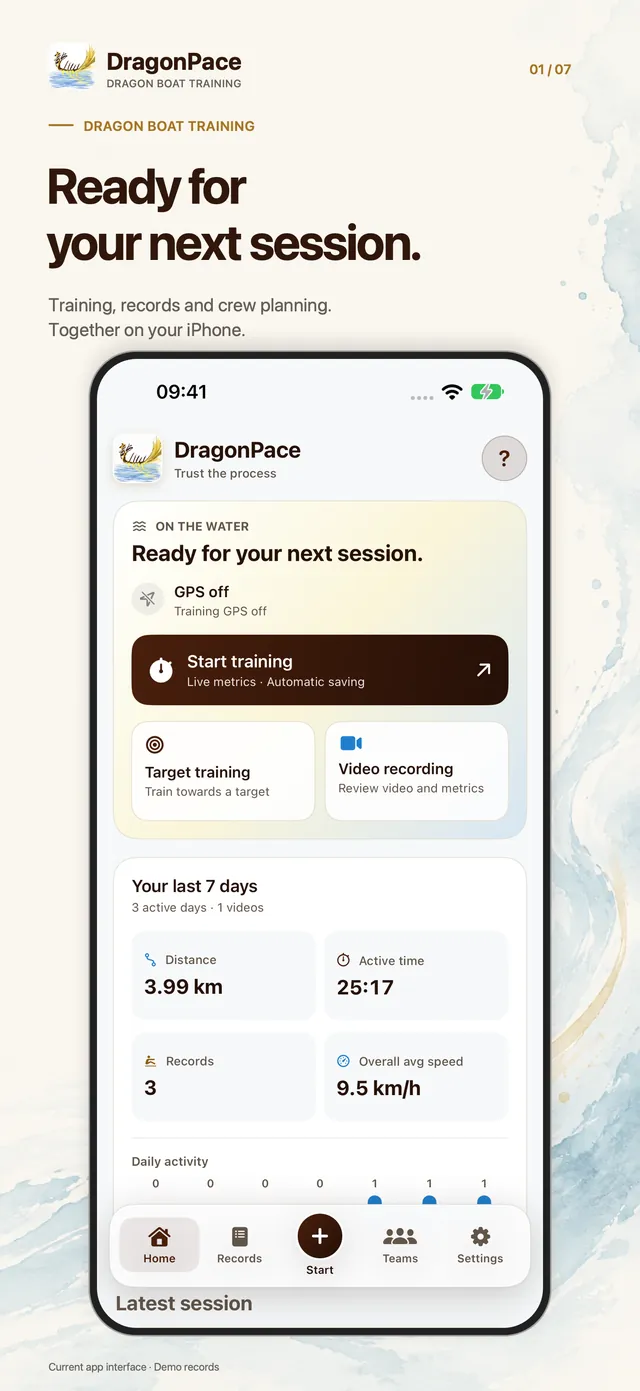
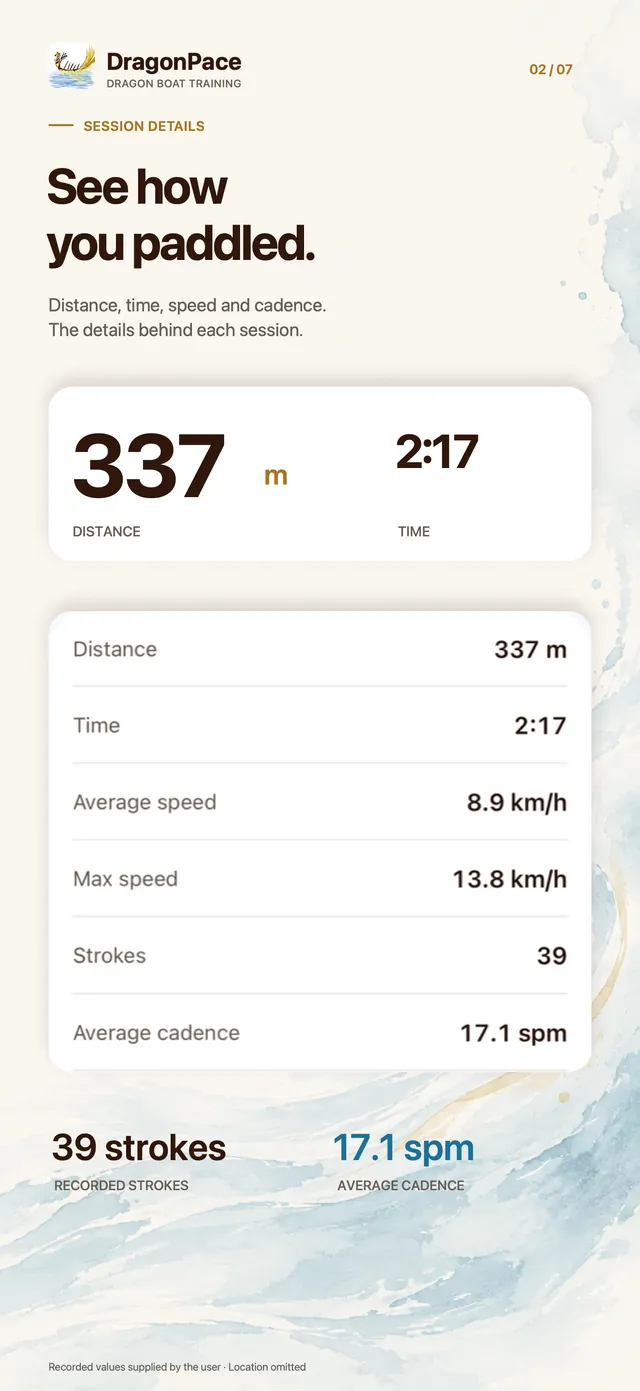
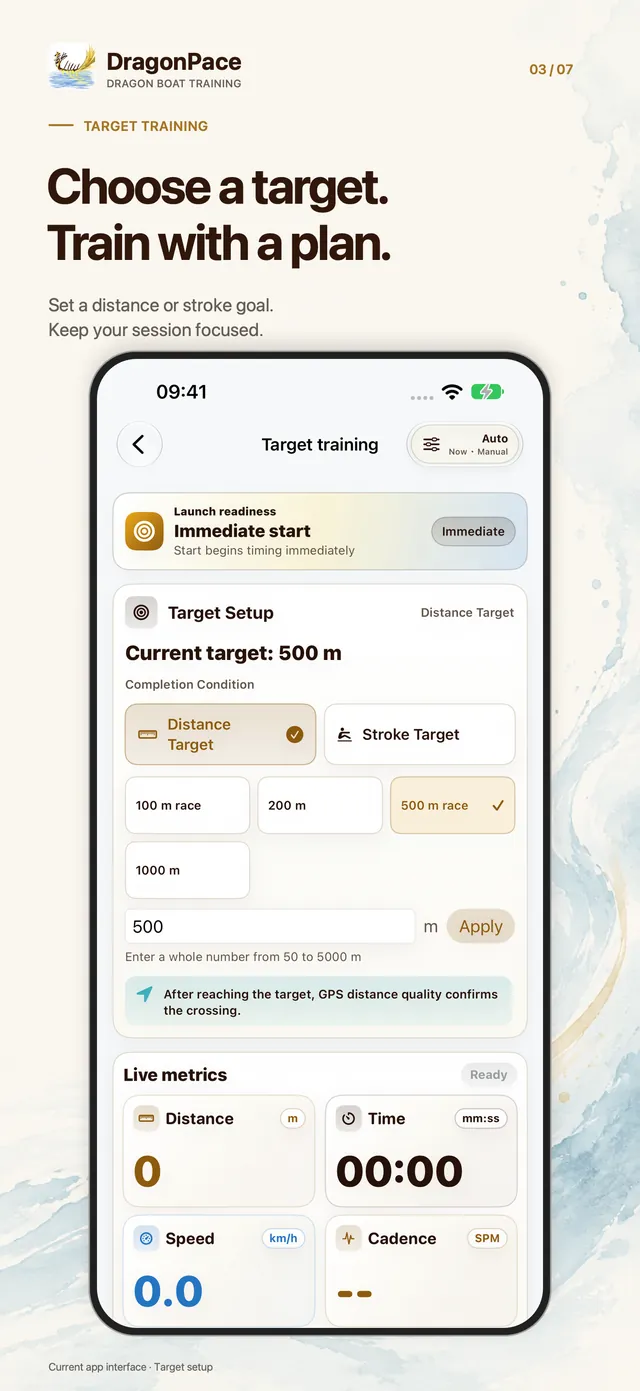
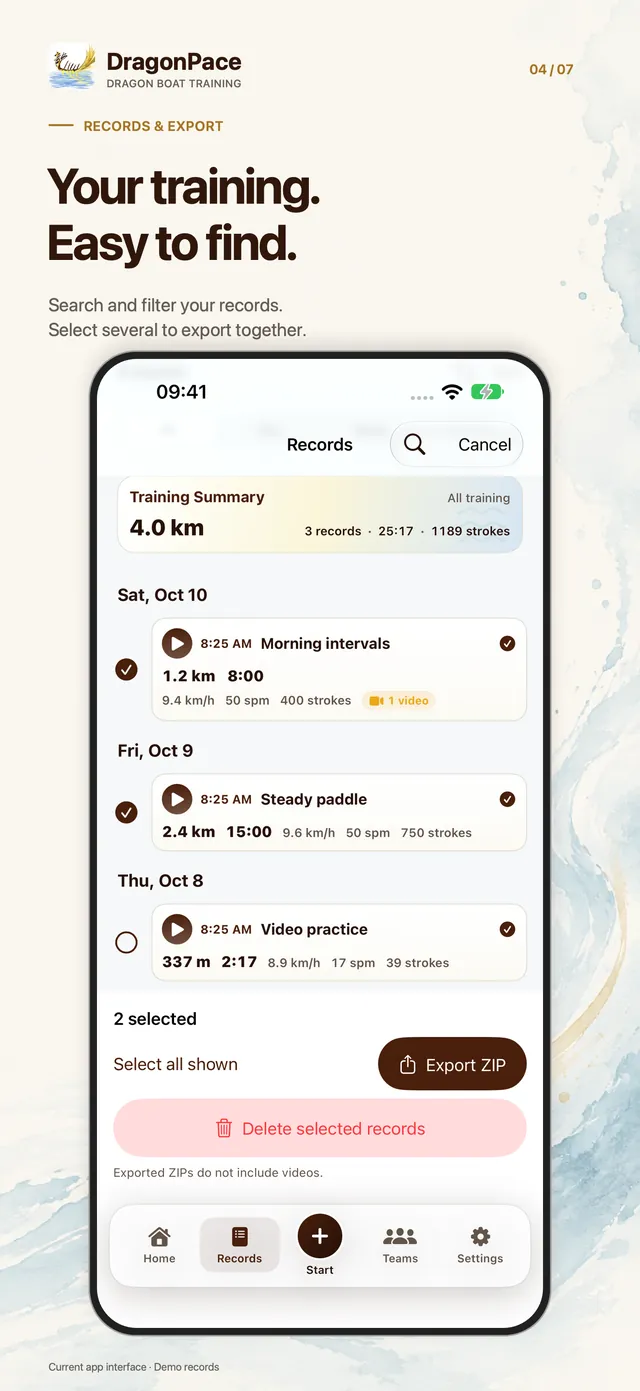
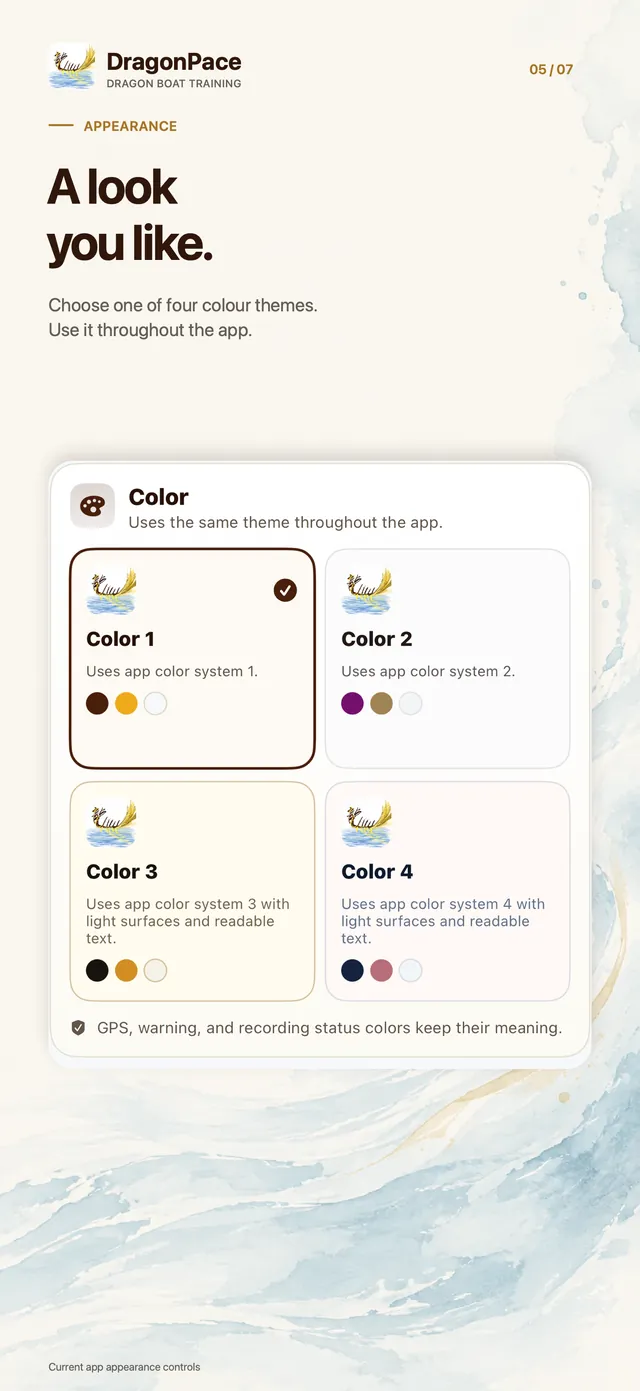
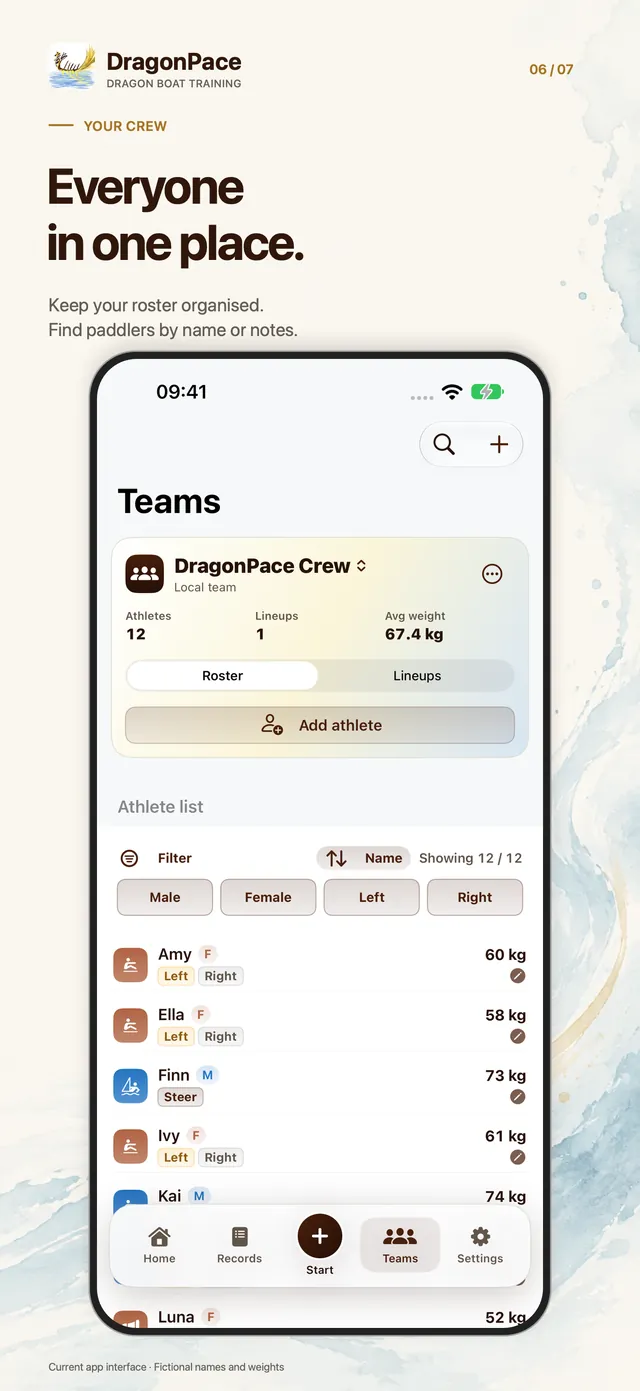
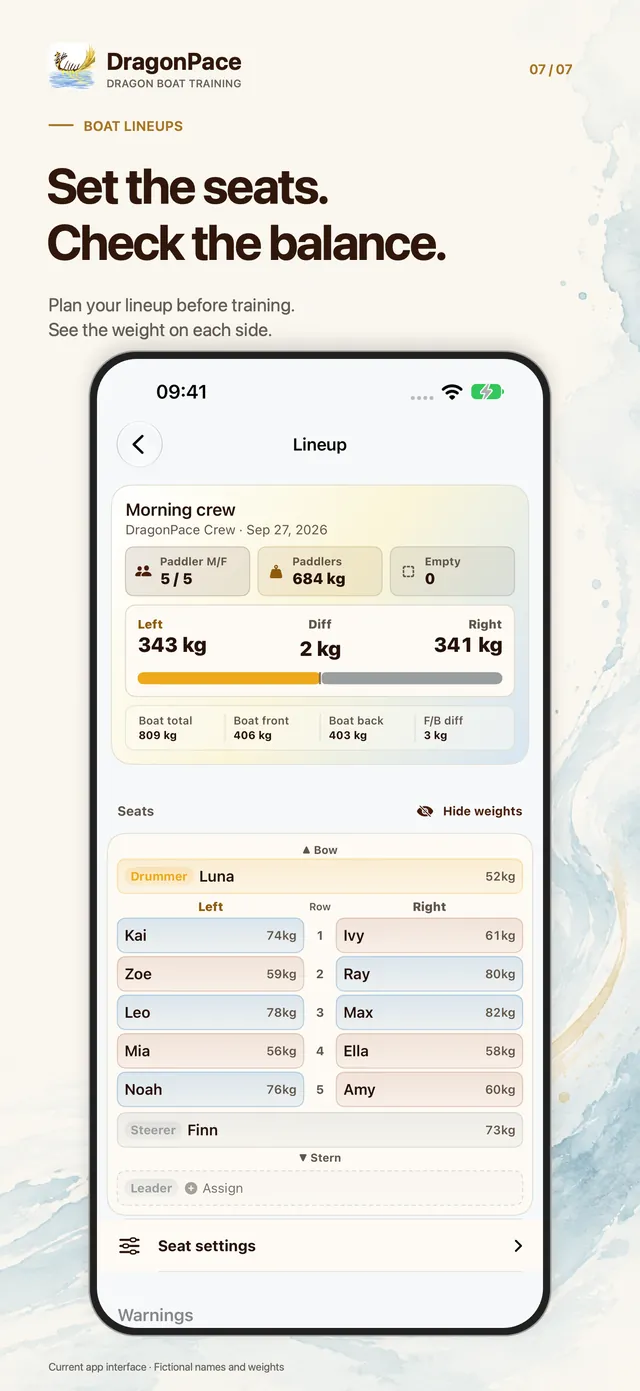
App Store screenshots of the current app. Session values come from a real saved record; names, weights and other records are demo data.
Off by default, with Apple Vision processing on your iPhone. It can follow up to eight clearly visible people, showing separate upper-body movement estimates that are never added together. Lost tracking stays unknown.
Results may miss or misidentify movements. They are not official stroke counts and never replace your GPS or Motion record. Availability and results depend on the device, system and recording conditions. Saved originals can be analysed with separate consent, then exported as another video with selected references.
Training data is stored on your iPhone by default. The app does not automatically send it to the developer. When you export, share or save to Photos, the destination you choose handles the data under its own settings and policies. Information you email to support is received by the support recipient.
GPS, speed, distance, cadence and stroke estimates depend on phone placement, signal, water and boat conditions. DragonPace is a training tool, not for navigation, safety, medical use or official race results.